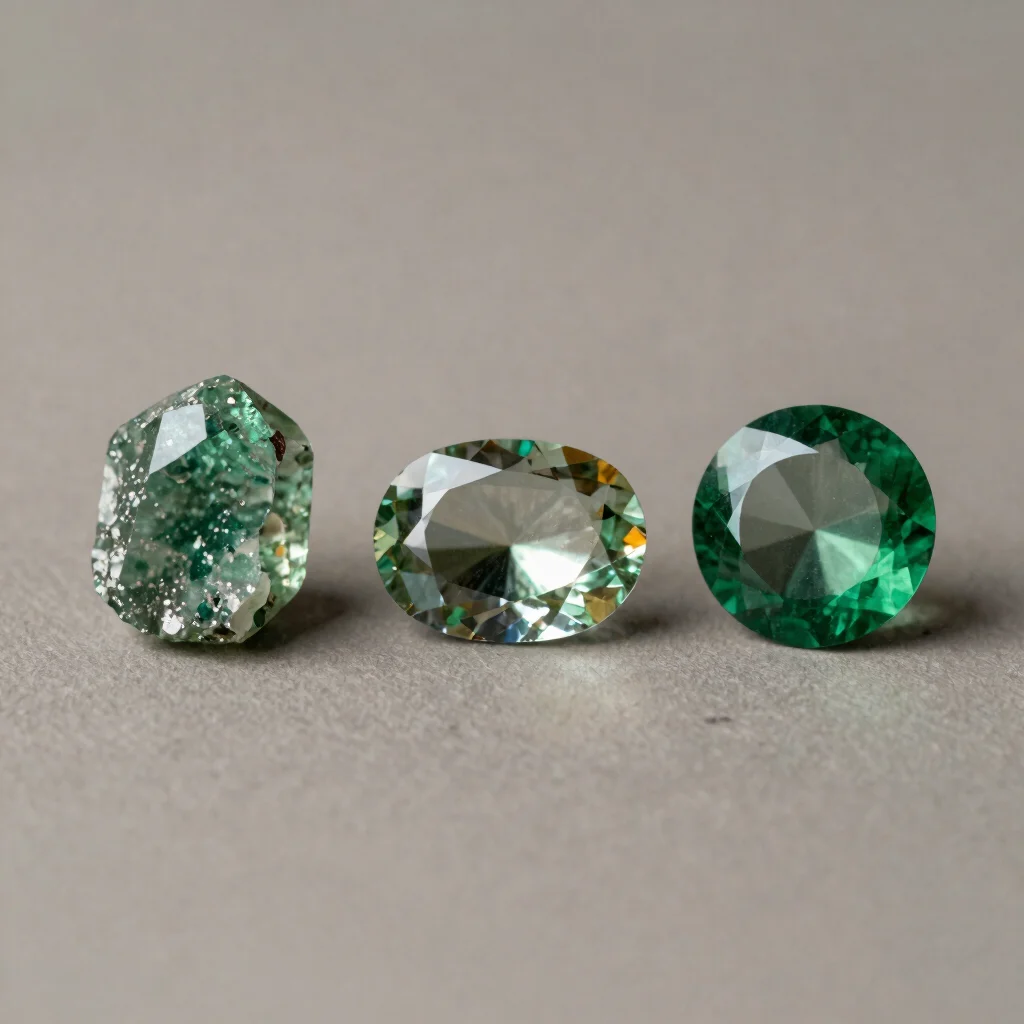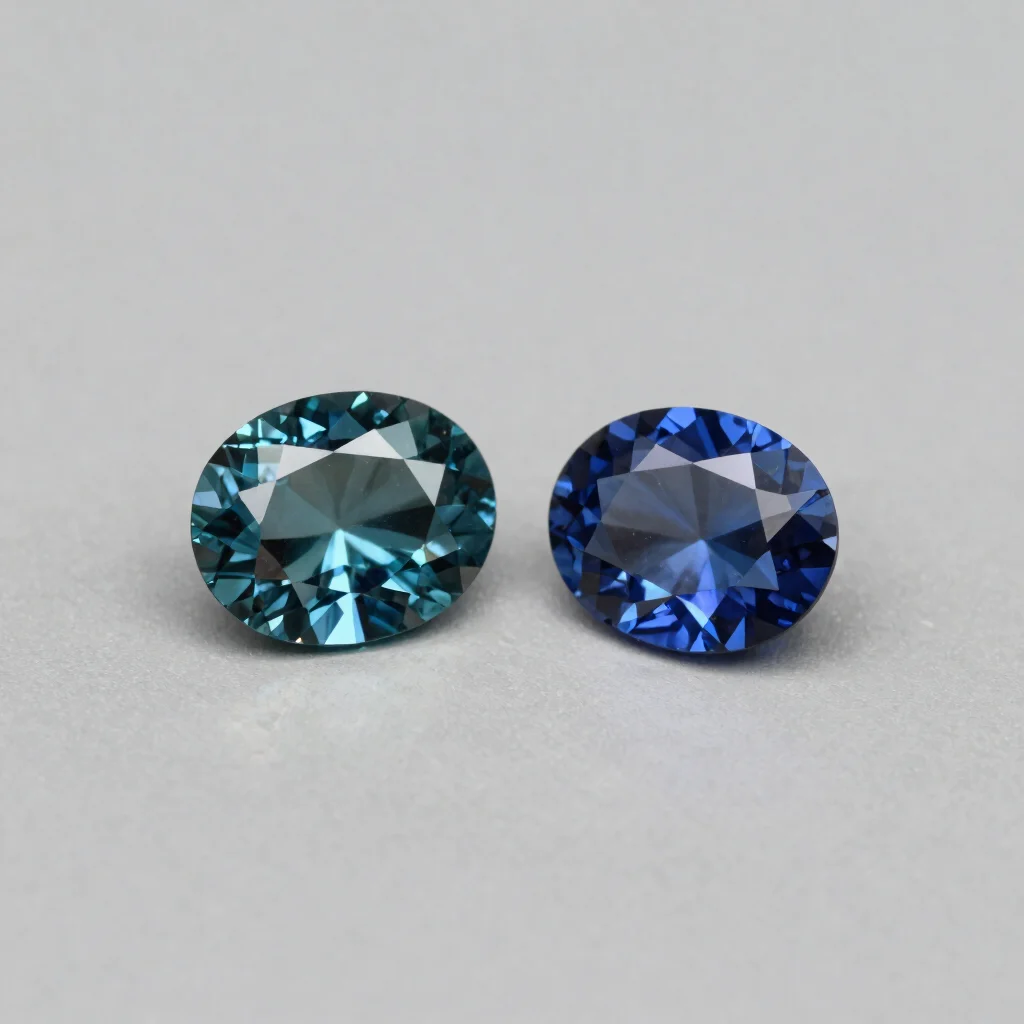
You open two listings for blue stones and one looks vivid teal while the other appears almost gray. That difference could come from the stone, the lighting, the camera, or the display you’re using. Online photos are useful for noticing visible features, but they are not a reliable shortcut to every detail.
Read the color in context
Look across several product images rather than judging from the most saturated close-up. Notice whether the color appears consistent in different views and whether the listing shows the stone against a neutral background. Screen settings and lighting can change how a color appears, so treat your impression as a starting point, not a guarantee of how the gem will look at home.
Look for scale and cut
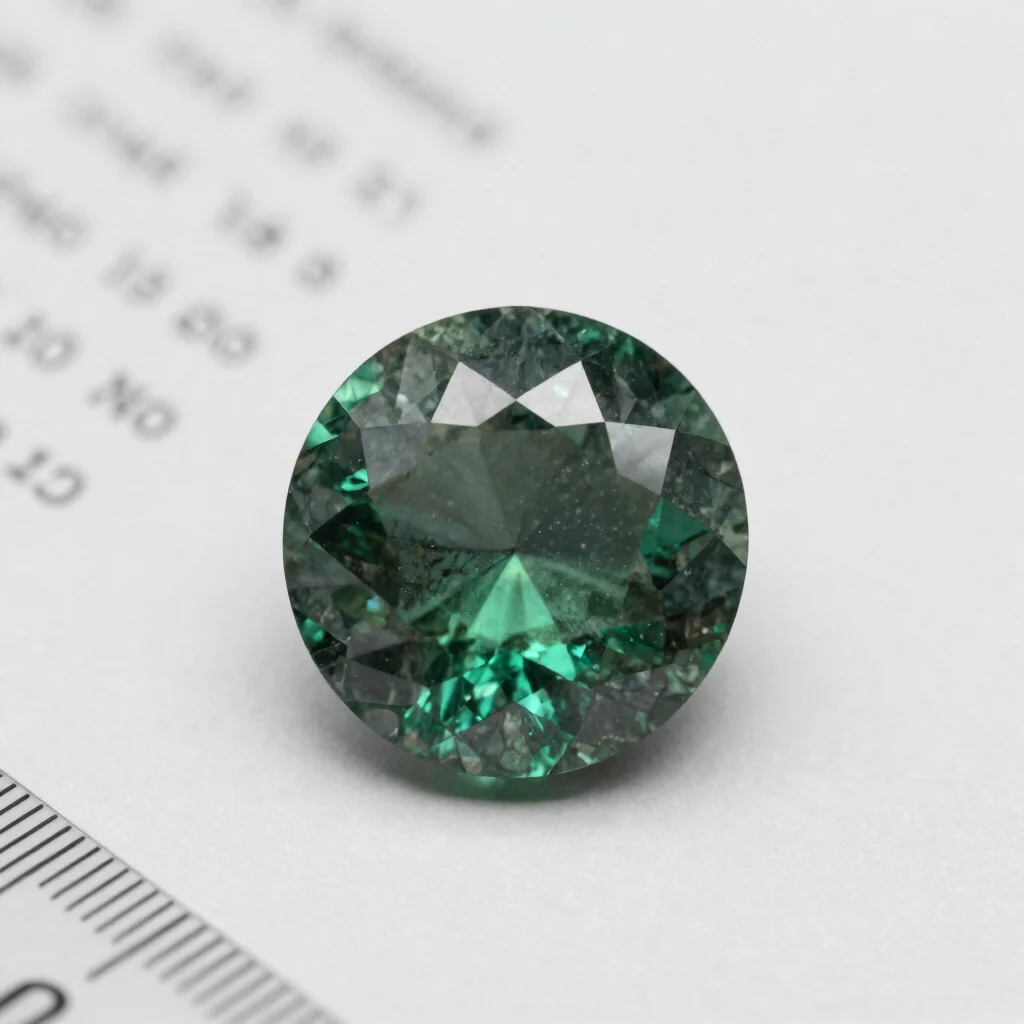
A macro image can make a small stone fill the frame. Check stated measurements and, when available, photos showing the piece being worn or placed beside a familiar object. Facet patterns and outlines can help you compare cut and shape, but a photograph alone may not show depth, finish, or how the stone behaves as you move it.
Use photos with specifications
Pair what you notice in the images with the written stone description, measurements, and item details. If the photos and text seem to describe different things, or the images leave a key question unanswered, look for clarification before choosing. Gemmafied may earn a commission from some Amazon affiliate links; that does not replace checking the listing for yourself.